
Technique changes the whole result
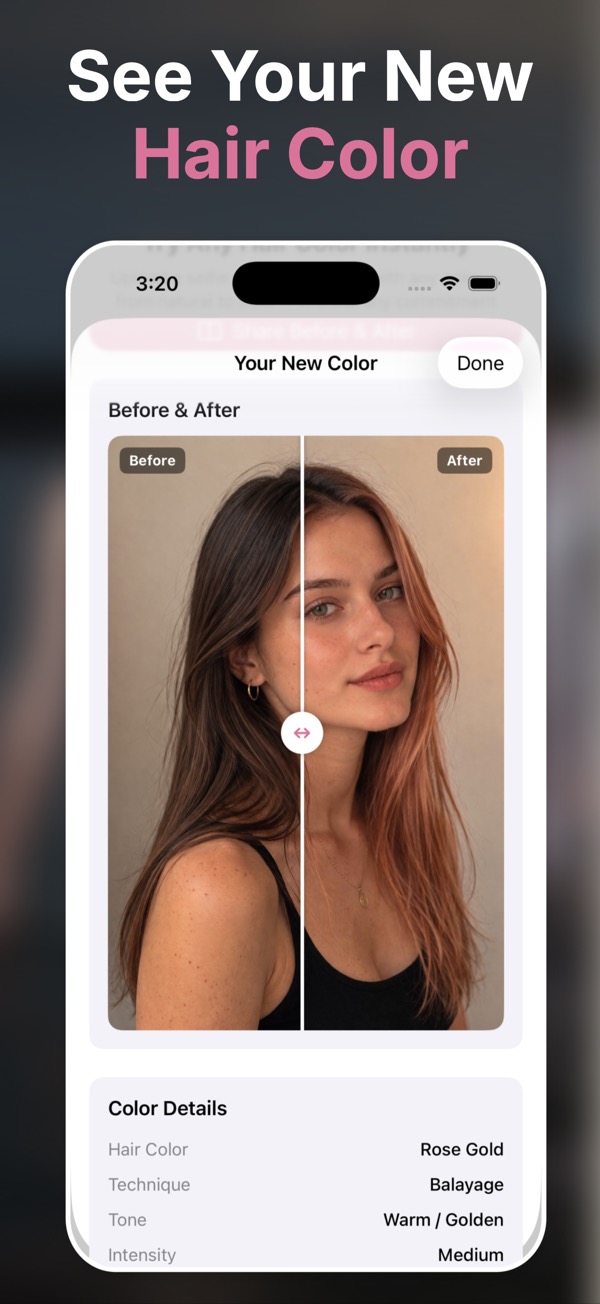
- Balayage can look soft or dramatic depending on placement.
- Ombre needs the right transition point to flatter your haircut.
- Highlights can brighten the face or feel too striped if the contrast is wrong.
Compare placement, not just color names
Use this page when the main choice is how color is placed through the hair—blended, graduated, face-framing, fine, or bold.
- Compare balayage softness with ombre’s visible transition.
- Check whether highlights brighten the face or create too much contrast.
- Show your preferred placement and intensity before the appointment.
Try the technique, not just the shade
Balayage and ombre
Explore blended color, darker roots, and brightened ends.
Highlights and babylights
Preview subtle brightness or stronger contrast around the face.
Custom direction
Use tone, intensity, finish, and custom requests for a more specific salon reference.
Choose a technique
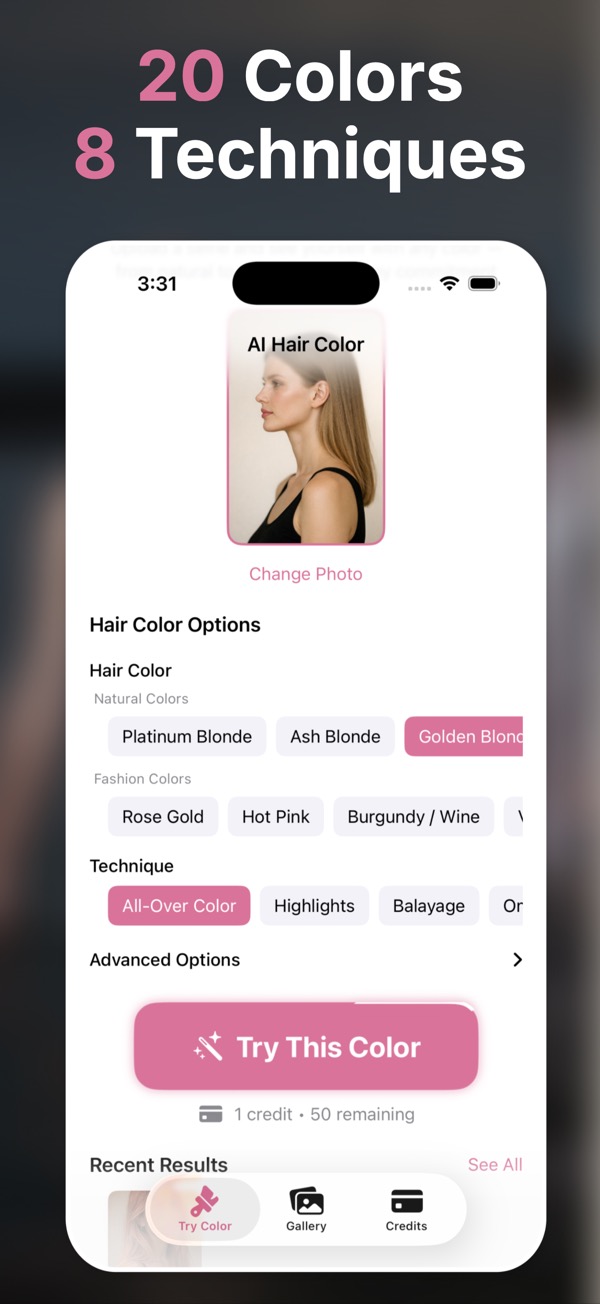
Pick balayage, ombre, highlights, babylights, chunky highlights, or dip-dyed tips.
Pair it with a shade
Try blonde, brunette, red, copper, silver, or fantasy colors.
Share a reference
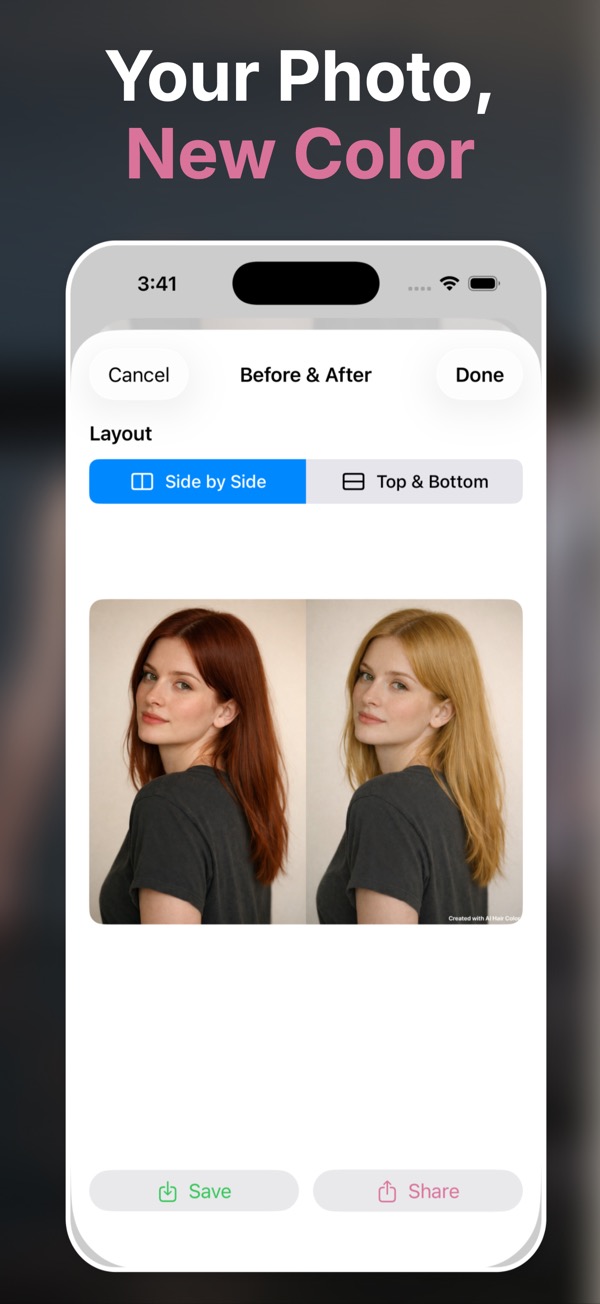
Save the preview that best matches your goal.
Questions people ask
Can I preview balayage with AI?
Yes. AI Hair Color & Style includes balayage as one of its professional coloring techniques.
Can I test ombre before coloring my hair?
Yes. Generate an ombre preview on your own photo to check transition, contrast, and color direction.
Does the app support highlights?
Yes. You can try highlights, babylights, chunky highlights, and other placement-based techniques.
Can I customize intensity?
Yes. The app lets you adjust tone, intensity, finish, and custom requests for many combinations.
Will this replace a salon consultation?
No. It helps you arrive with a clearer visual reference, but a stylist should still consider your hair history and condition.