
The risk is real color regret
- A salon color appointment can cost hundreds of dollars.
- A color that looks great on a model may feel wrong with your undertone or wardrobe.
- Changing course after dye is harder than previewing first.
Plan the decision before you pay for it
Use this page when you are weighing a real color appointment or an at-home dye purchase and want to narrow the options first.
- Start with your current color instead of a generic model photo.
- Compare safer changes before committing to a dramatic shade.
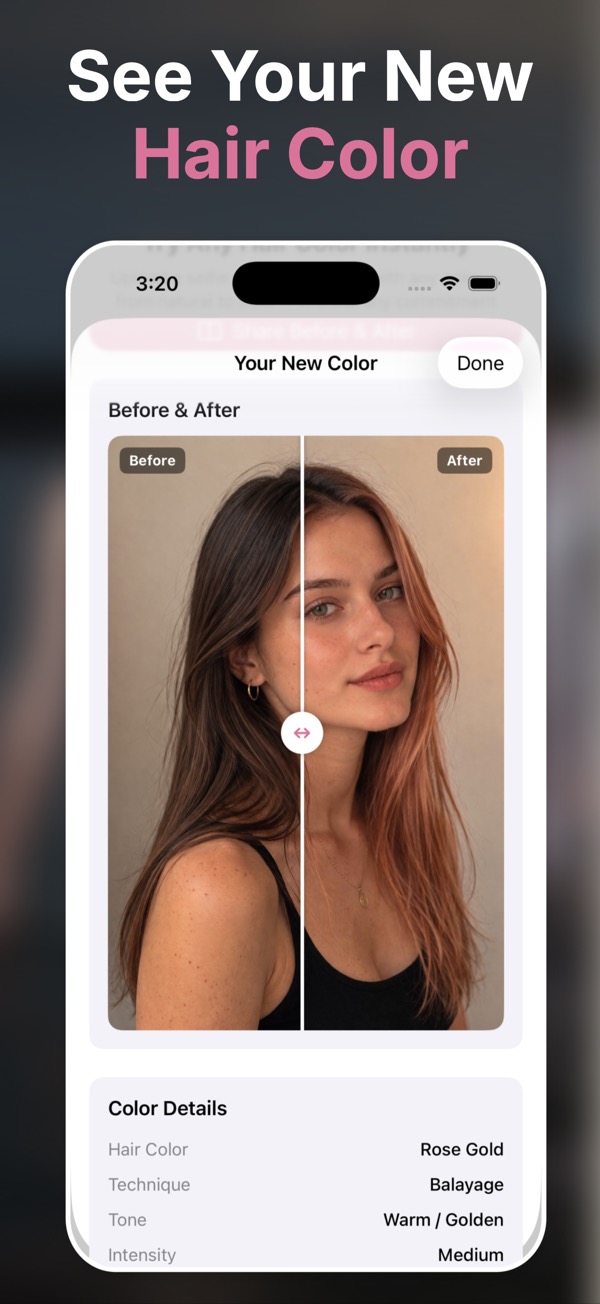
- Bring the chosen direction to a stylist as a visual reference.
Preview the change while it is still easy
Try subtle changes first
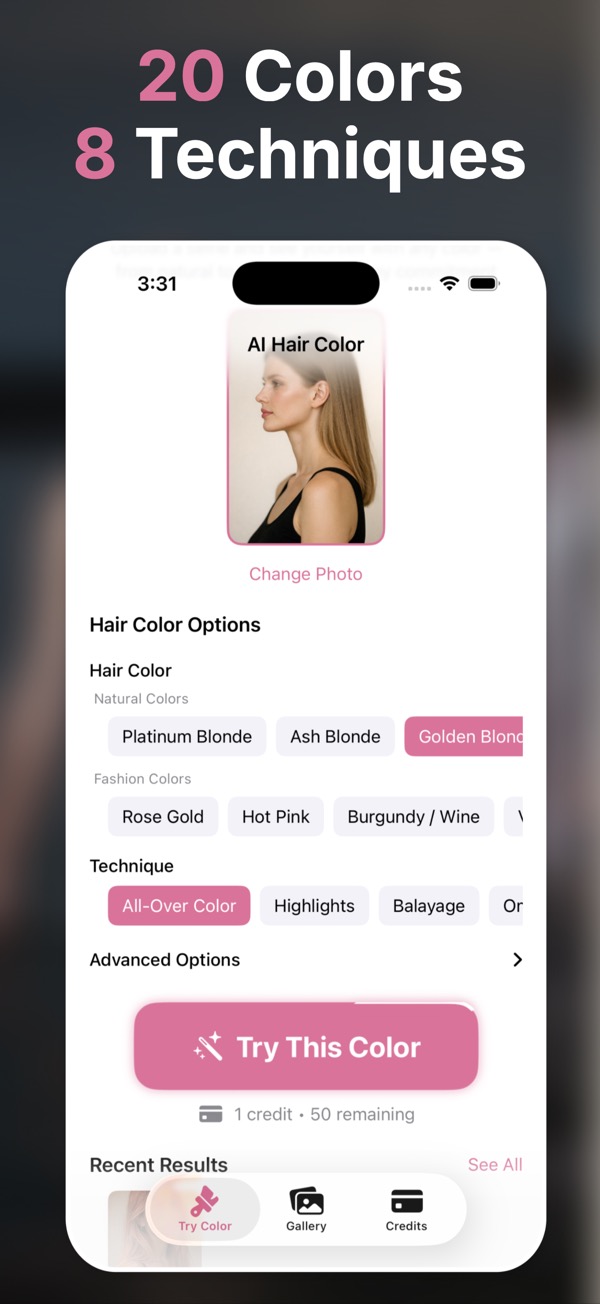
Compare dark brown, warm brunette, honey blonde, copper, and soft highlights.
Check bold ideas safely
See pink, violet, teal, silver, or rose gold before committing.
Bring a better reference
Show the exact direction you like instead of describing it from memory.
Start with your current hair
Use a recent photo in similar lighting to where you normally see yourself.
Explore several directions
Generate a few realistic versions before narrowing down.
Choose with confidence
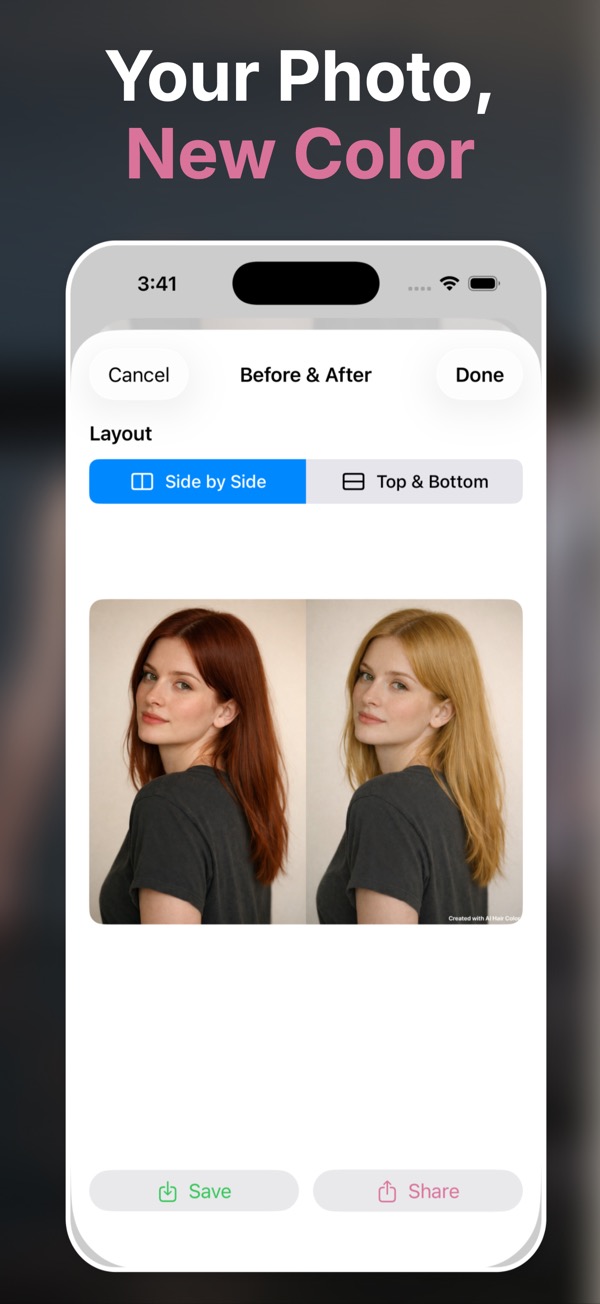
Save the best preview and use it as a salon reference.
Questions people ask
Why should I try hair color before dyeing?
Hair color depends on your face, undertone, haircut, and lighting. Previewing first lowers the chance of paying for a look you do not love.
Can AI preview help with salon communication?
Yes. A saved image helps show tone, placement, and intensity more clearly than words alone.
Can I compare multiple colors?
Yes. Use credits to create different looks, save favorites, and compare before choosing.
Is this useful before box dye?
Yes. Even if you plan to color at home, a realistic preview can help you avoid shades that clash with your skin tone or style.
Does a preview guarantee the salon result?
No preview can guarantee chemistry, hair history, or stylist execution. It is a visual planning tool, not a replacement for professional advice.