
Generic simulators often feel fake
- Brush tools can miss hair edges and stain the face or background.
- Simple hue shifts ignore placement, salon techniques, and hair texture.
- Web uploads can be awkward when your source photo is personal.
Choose a simulator for repeatable comparisons
This page focuses on the tool itself: a phone-based workflow for testing several hair-color directions on the same personal photo.
- Use one clear portrait to compare multiple shades consistently.
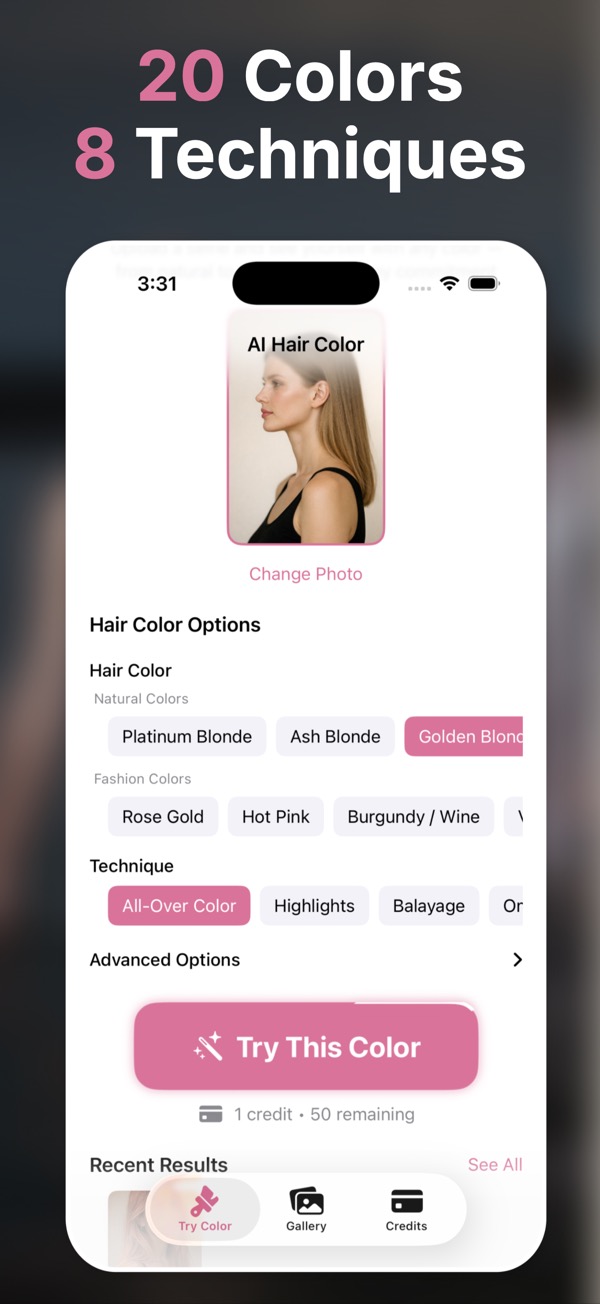
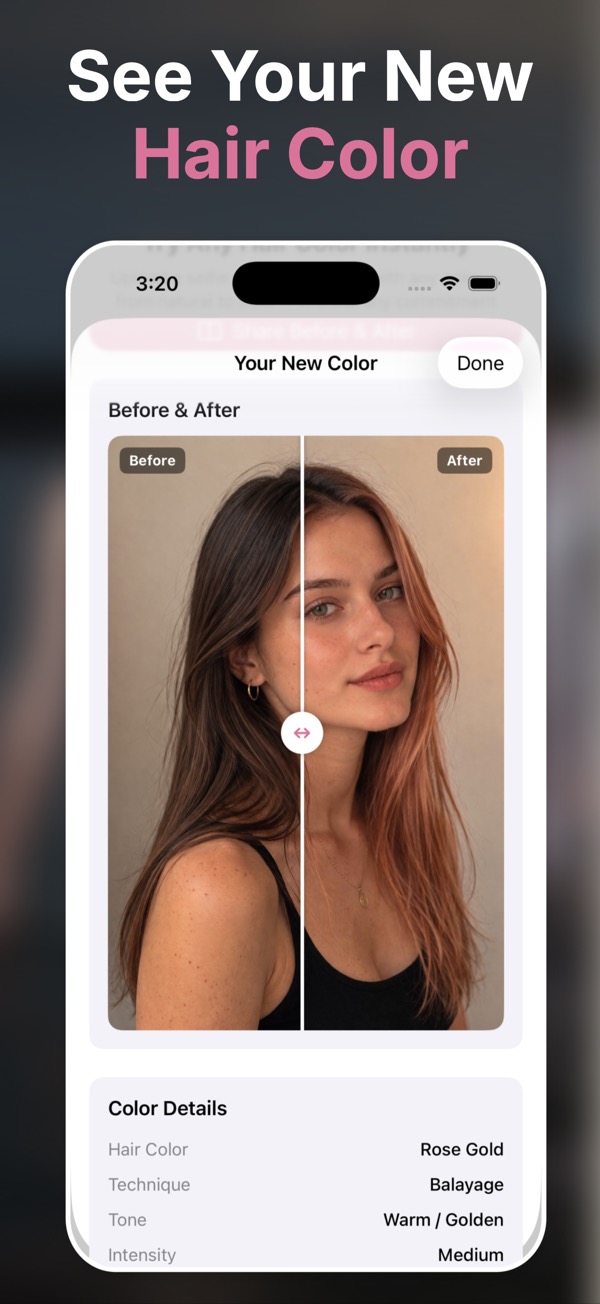
- Adjust color, technique, tone, intensity, and finish instead of applying a flat filter.
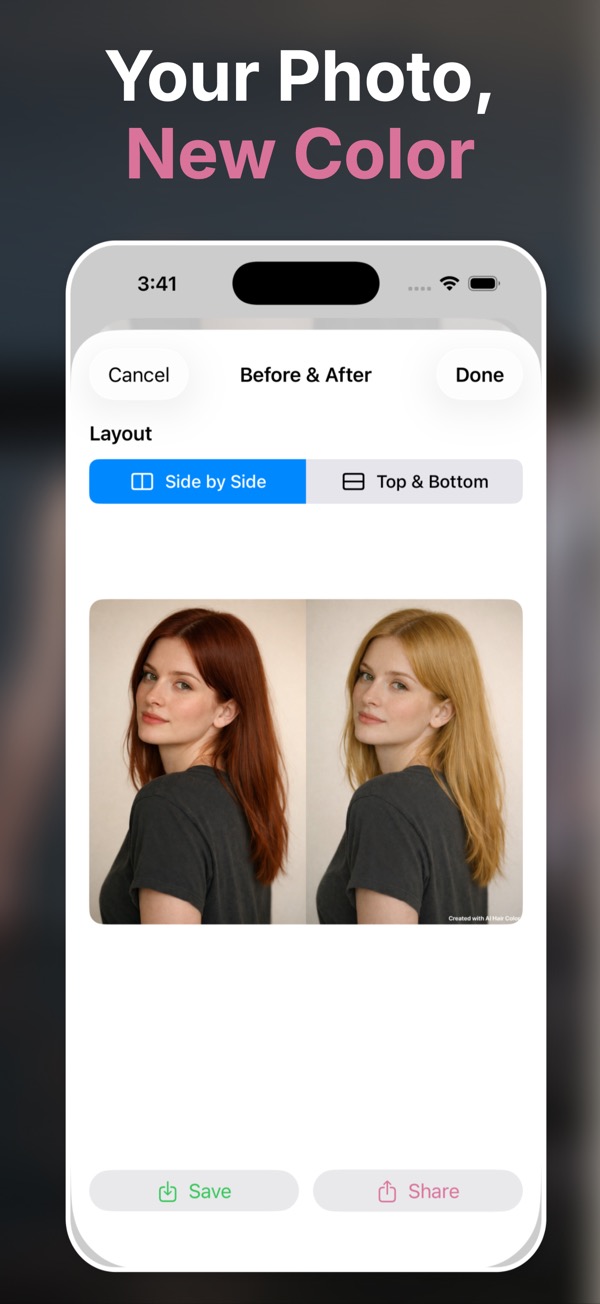
- Keep a shortlist of realistic options for later review or sharing.
A dedicated app for realistic color previews
Photo-based AI editing
Transform your own photo with a preview that respects the original portrait.
Technique controls
Choose full color, balayage, ombre, highlights, babylights, and custom instructions.
Comparison workflow
Save multiple versions and choose the one worth showing.
Open on iPhone
Download from the App Store and start with your free credit.
Generate a preview
Pick the color direction and technique you want to test.
Keep your shortlist
Save realistic options and share the strongest look.
Questions people ask
What is a virtual hair color simulator?
It is a tool that previews how different colors may look on your own photo before dyeing your hair. AI Hair Color & Style uses AI image editing for more realistic previews.
Does it work for highlights and balayage?
Yes. The app includes several coloring techniques beyond full-color changes, including balayage, ombre, highlights, and babylights.
Can I use it on iPad?
The App Store listing says the app is designed for iPad and supports iPhone and iPad.
Is the app free?
The listing shows the app is free with in-app purchases and includes one free credit to try a full transformation.
Does it collect data?
Apple’s App Store privacy section reports Data Not Collected for this app.